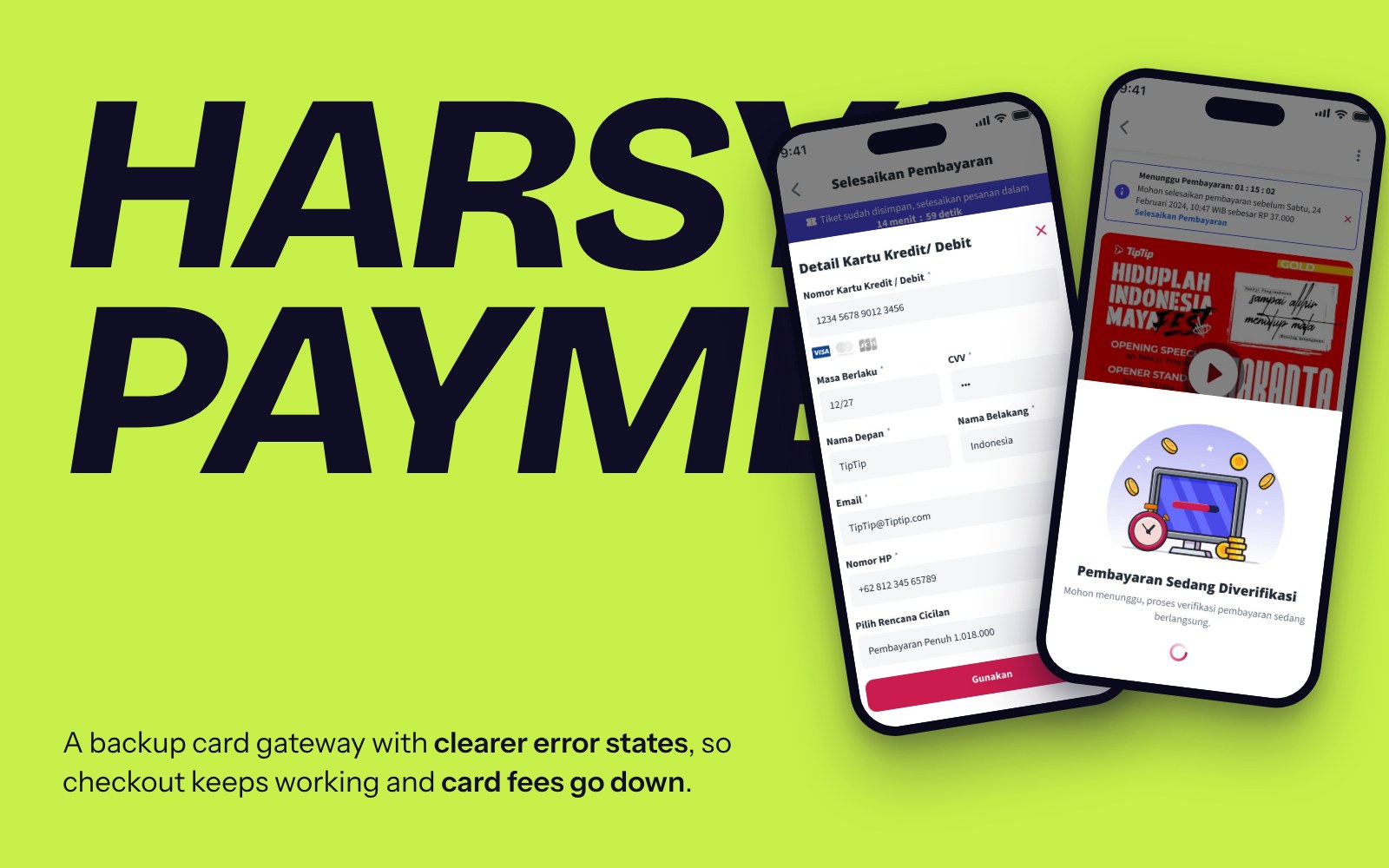
Offline Check-In Mode
Keeping event check-in running when thousands arrive at once and the venue’s network gives up.
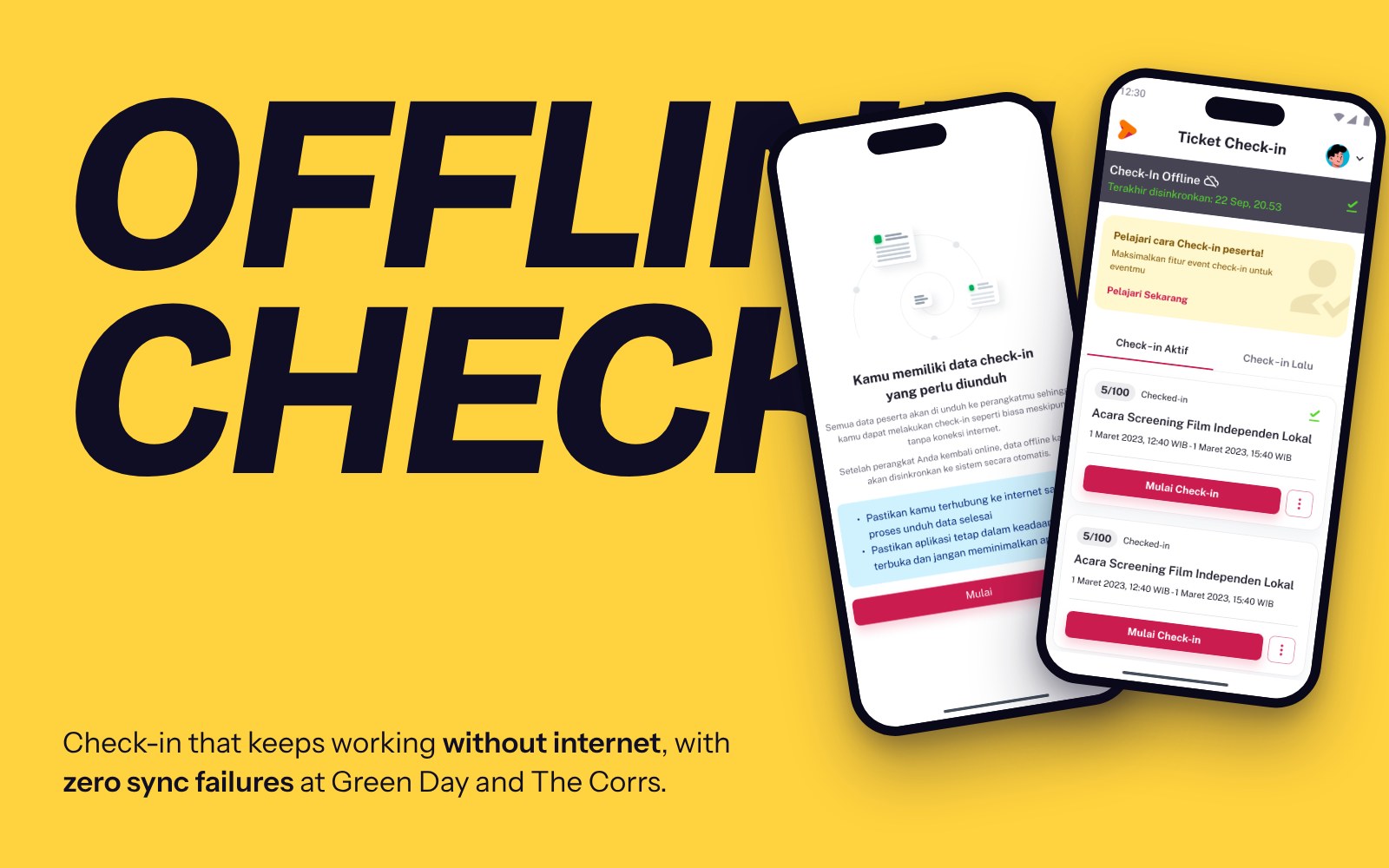
Thousands arrive at once, and the network gives up.
TipTip Organizer worked well online. But live concerts exposed a critical weak spot: heavily congested networks. Crowds overwhelm cellular data, and many venues don’t have enough Wi-Fi.
With thousands of attendees arriving at the same time, relying only on an online connection was a risk we couldn’t take.
Offline-first, without losing speed or accuracy.
- Resilience: the app keeps working normally with no internet at all
- Automatic sync: check-ins upload on their own once the connection is back
- No conflicts: no duplicate check-ins and no lost data between offline and online
Split the work between roles, then design four steps.
Working from the PM’s PRD, Owners and Admins decide whether a check-in can run offline. Operators download the data to their device, sync it, and fix any download or sync failure.
Three risks to design around.
What I designed, and why.
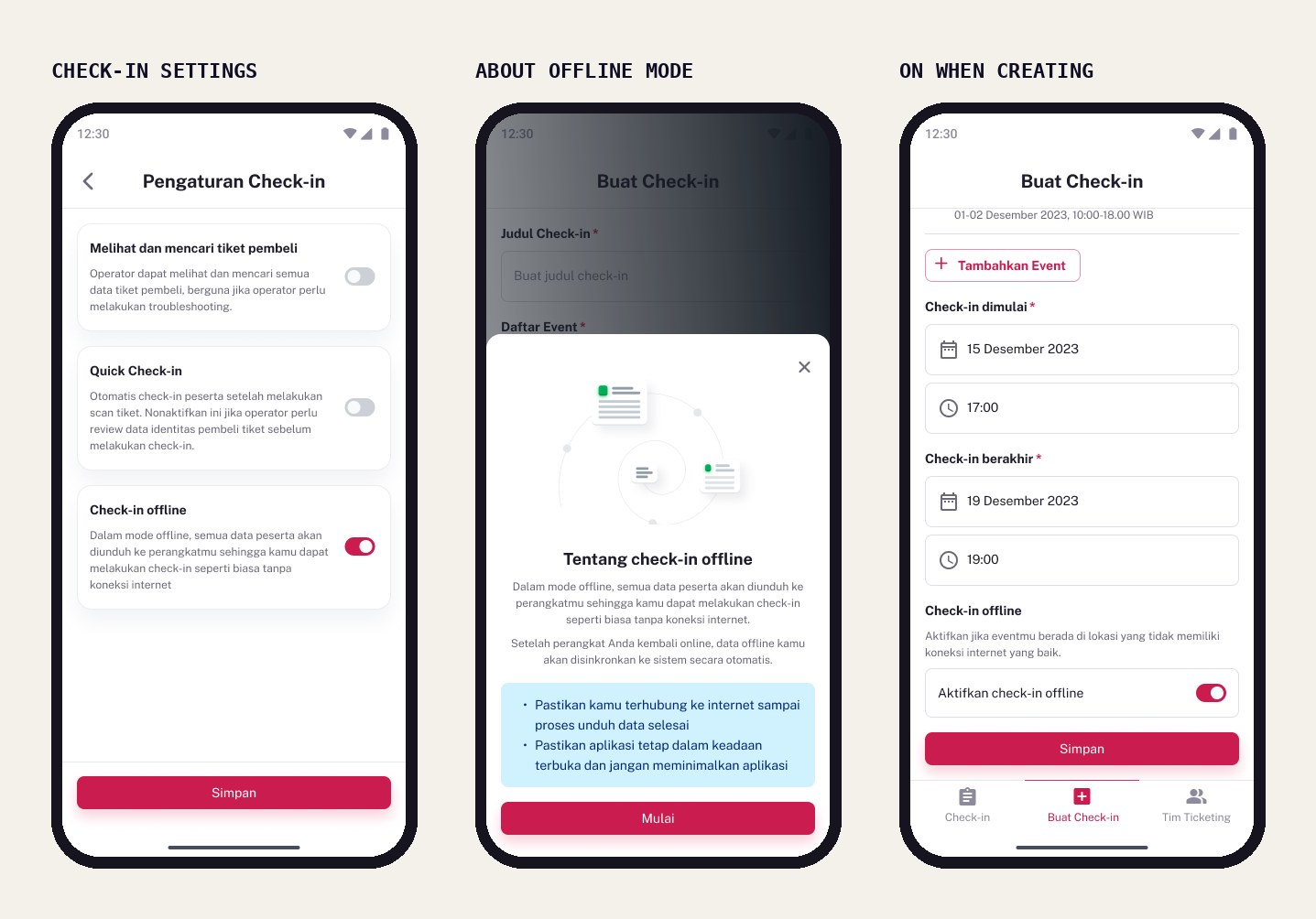
One switch per check-in, explained in place
Owners and admins turn Check-in offline on when creating or editing a check-in, with no restriction on when. A tap on the info opens a short explainer of what offline mode does and what to keep in mind.
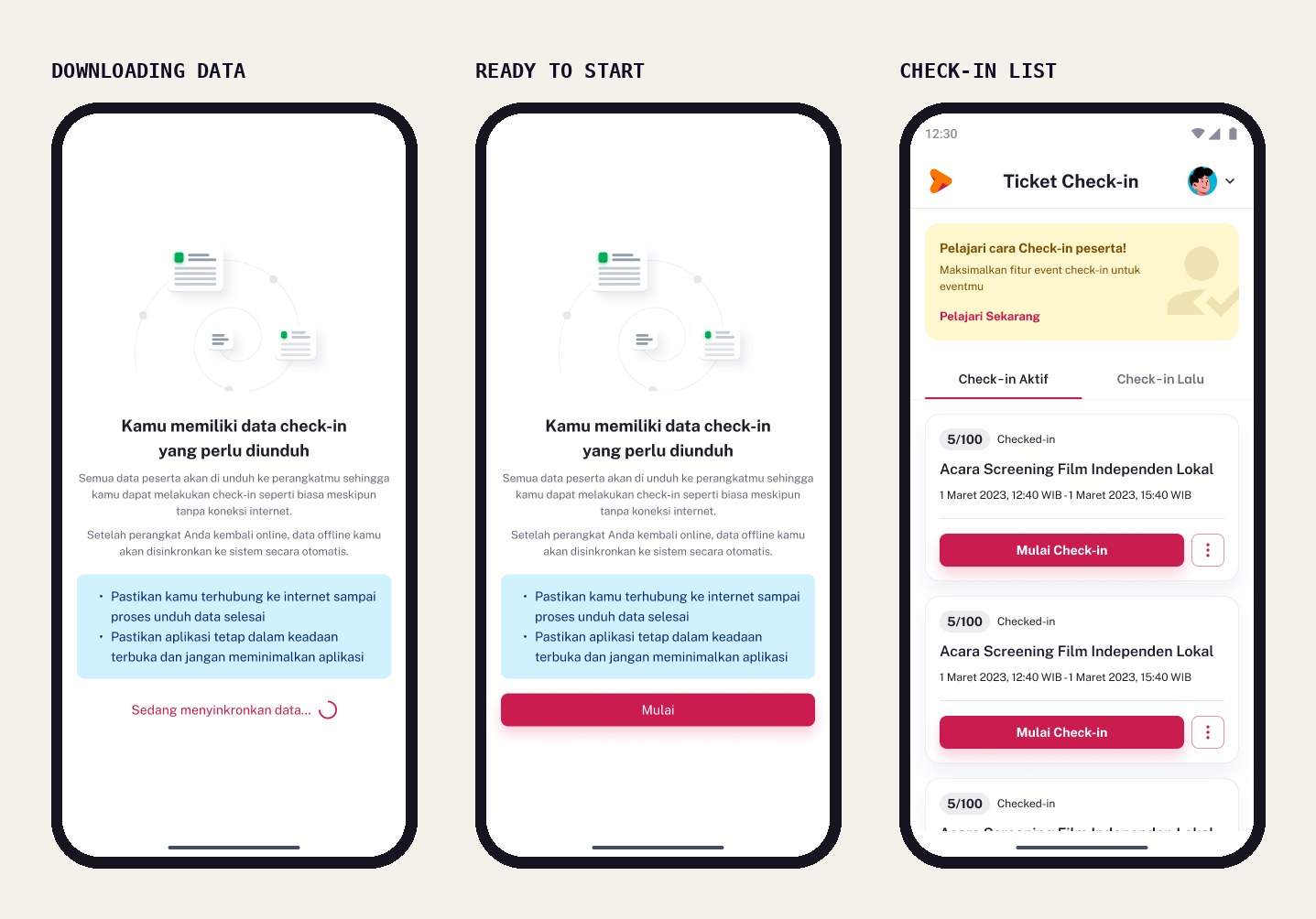
Download before the doors open, automatically
When an operator opens the app, a page explains offline check-in and starts downloading the data on its own. New ticket purchases trigger a background download, so the list stays up to date.
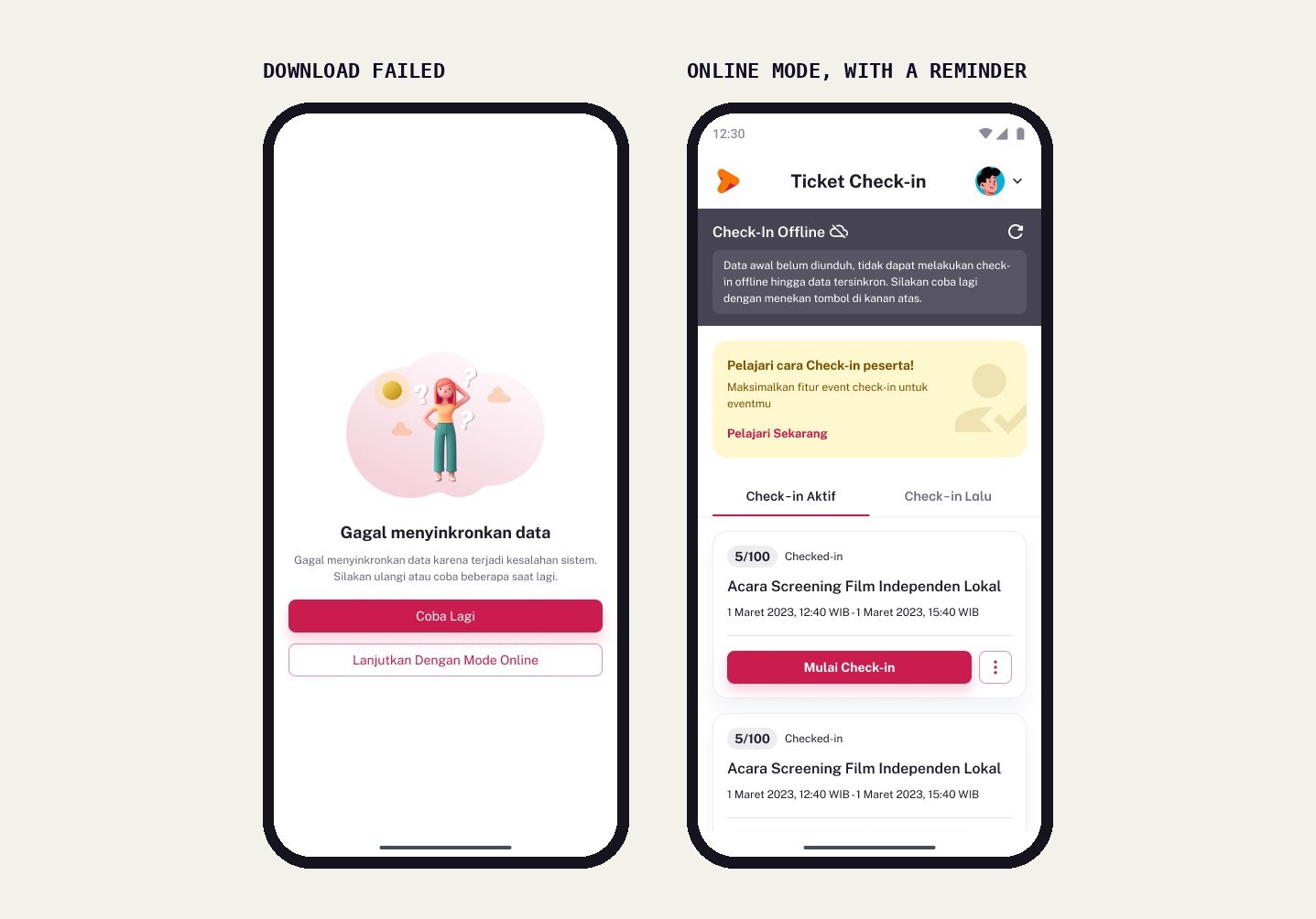
Fail gracefully: retry, or carry on online
If a download fails, the app says why, no internet or a system error, and offers two ways out: try again, or continue in online mode. Online mode keeps a banner reminding staff to download the data.
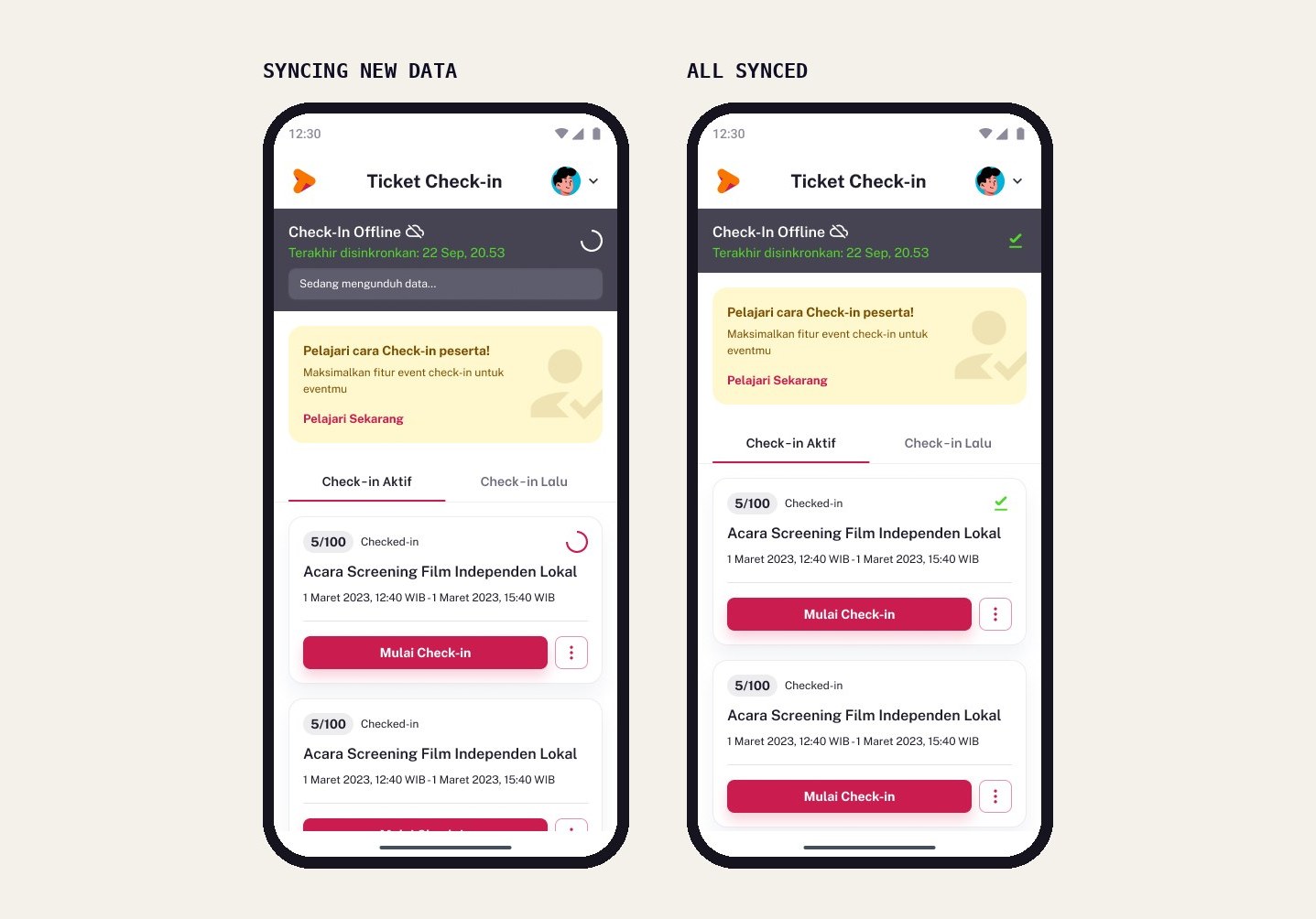
Invisible sync, visible enough to trust
Offline, every check-in is saved on the device; once online, it syncs in the background. A banner shows the last sync time, and each check-in shows downloading or downloaded, so staff know their data is safe.
Tested by the biggest crowds TipTip has seen.
- Green Day (20,000+) and The Corrs (3,000+): severe congestion and almost no cellular data. Offline Mode kicked in automatically and synced everything after the event without errors.
- Video Game Concert (2,000+) and Reality Club (800+): unstable connection with random outages. Staff worked confidently, knowing every check-in was saved.
- 0% data loss across all events, with check-in times inside the 11–23 second median range
- 100% user satisfaction reported, and Offline Mode was planned for LaLaLa Festival 2025
The best offline mode is one staff never think about.
This taught me to design for real venues, where ideal conditions are rare, and to make technology invisible: staff shouldn’t need to understand syncing to trust it.
Next, I’d explore syncing check-ins between devices in real time without any external internet, as events keep getting bigger.